Resize many photos in
one clean workspace
Upload hundreds of images, apply custom dimensions or government exam presets, and download a perfectly formatted ZIP archive in seconds. Zero cloud uploads, zero privacy loss.
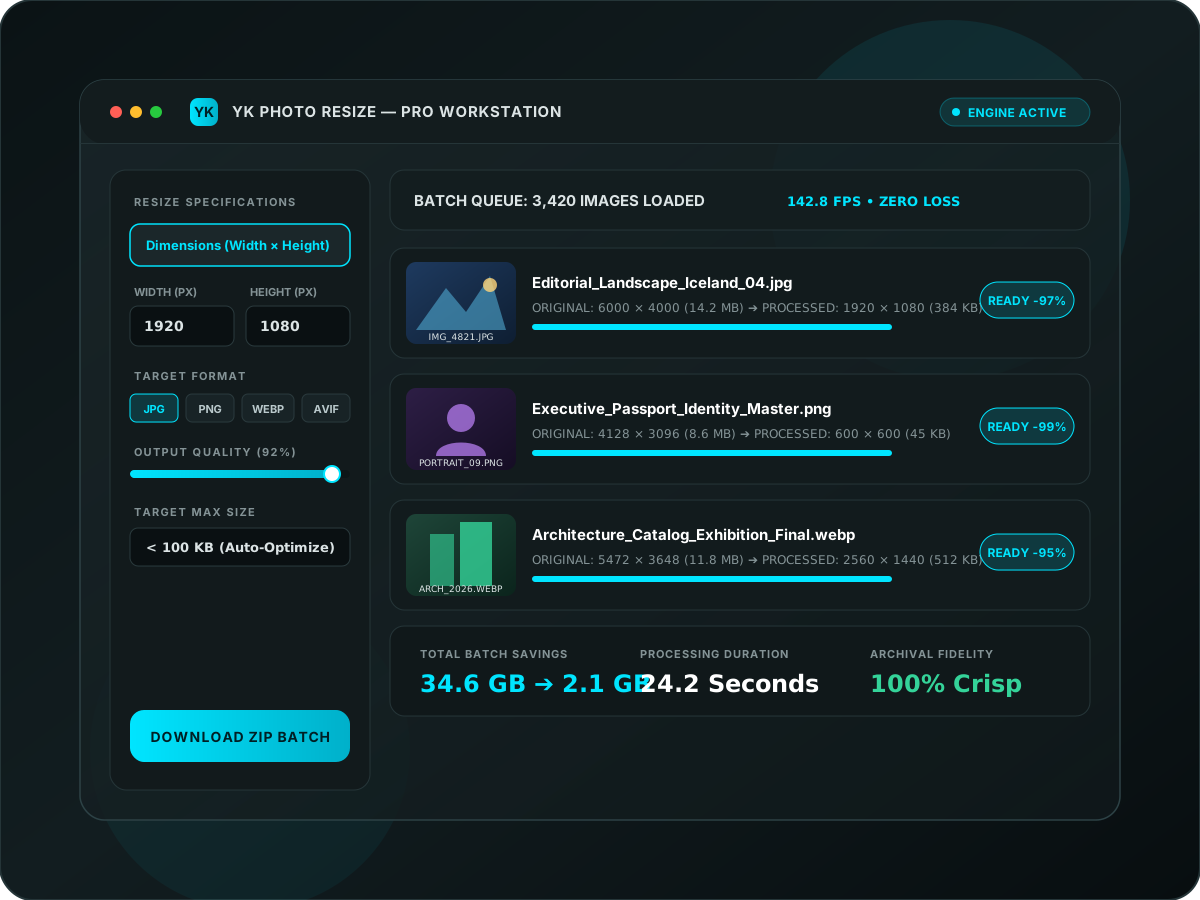
Streamlined for Maximum Efficiency
Three frictionless steps between your raw photo folders and production-ready visual assets.
Add Photos & Folders
Drag and drop individual images, full multi-level folders, or entire ZIP archives. Instant preview thumbnails render in milliseconds.
Pick Resize Rules
Set exact dimensions, aspect ratios, or target file size (< 100 KB). Convert on-the-fly to modern WebP, JPG, PNG, or AVIF formats.
Download Batch ZIP
Download your entire processed batch in a single structured ZIP archive, preserving original names and folder directories.
Uncompromising Fidelity & Speed
Our proprietary downsampling algorithms ensure that resolution scaling never sacrifices sharpness, maintaining the archival clarity of your master assets.
Lanczos Resampling
Utilizes a 3-lobed windowed sinc filter for superior edge preservation and minimal aliasing artifacts during aggressive scaling down.
Parallel SIMD Execution
Batch processing is distributed across available CPU hardware threads, transforming hours of manual editing into seconds of automated throughput.
Smart Focal Cropping
Content-aware focal point detection ensures that subjects remain centered and pristine, even when aspect ratios are drastically transformed.
Absolute Privacy.
No Exceptions.
100% In-Browser Execution
Your photos never leave your device. All computations, resizing, and ZIP archiving execute locally in your browser memory.
Zero Server Storage
We never upload, retain, cache, or inspect your image files. Once you close the tab, all memory is immediately reclaimed.
Ready to experience professional
batch photo processing?
No sign-up required for instant basic batches. Launch the workstation now and resize thousands of photos in seconds.